Lifetime access to the app
Choose the plan you want, enjoy Luminar forever. Plus, get generative features and Library of Assets for 1 year.
One-time purchase
30 days money back guarantee
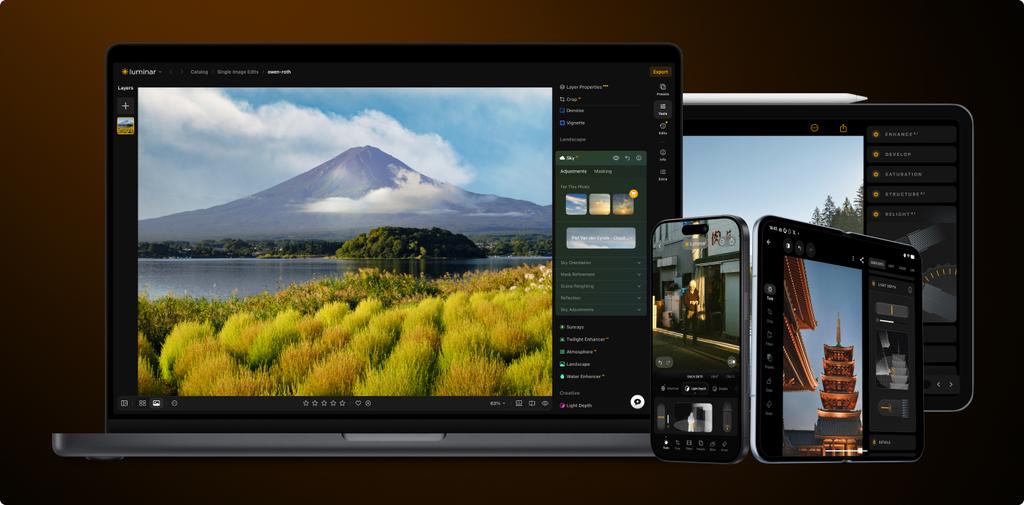
Luminar on Desktop , tablet and mobile . Soon on Web.
Level up your photography with Luminar's AI-powered photo editing tools.
Enhance in seconds
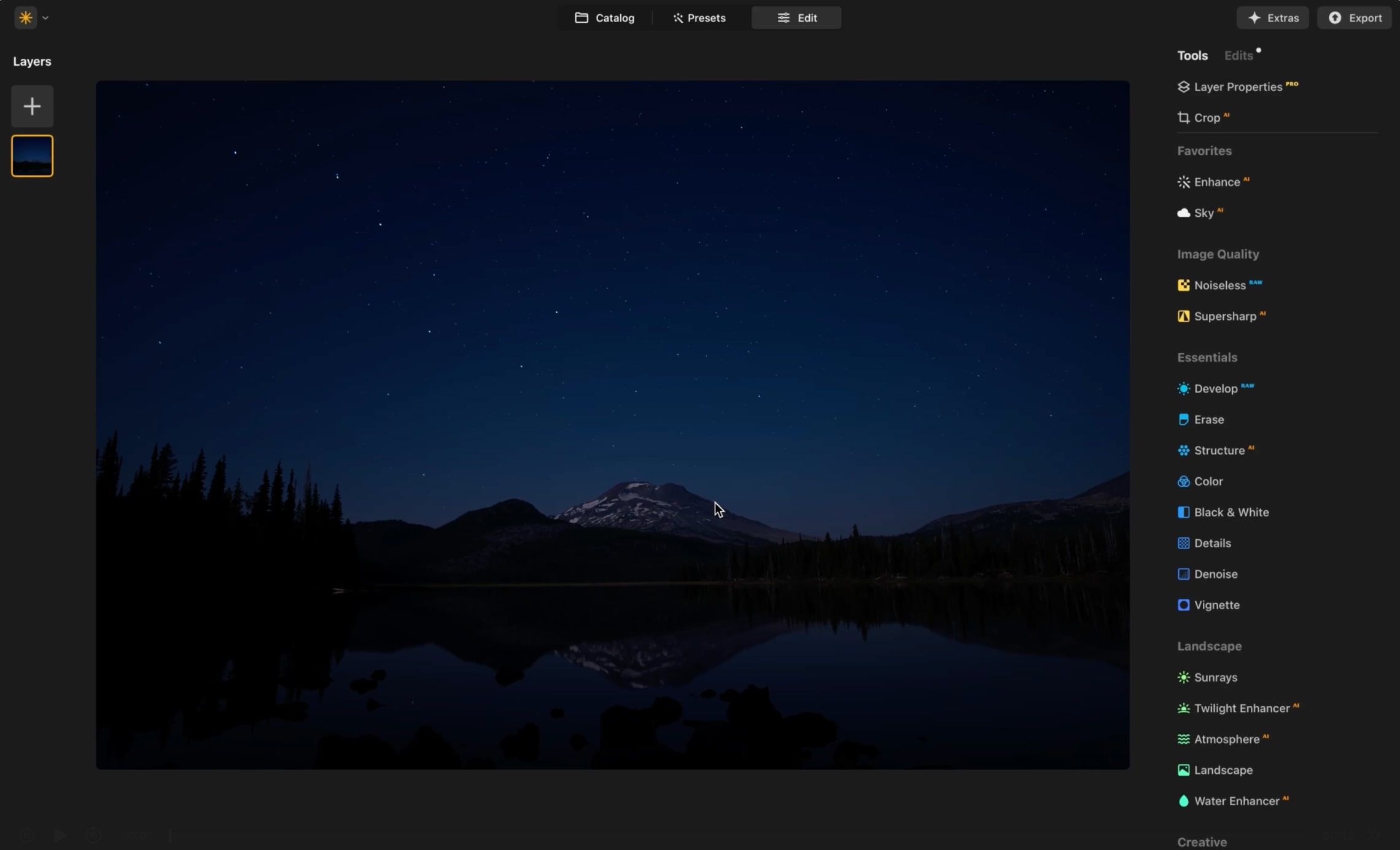
Refine every pixel
Smooth skin naturally
Revive old photos
Fix composition
Sharpen every detail
Denoise with precision
Remove distractions
Add dimensional lighting
Instantly replace skies
Edit across devices
Share edits in web galleries
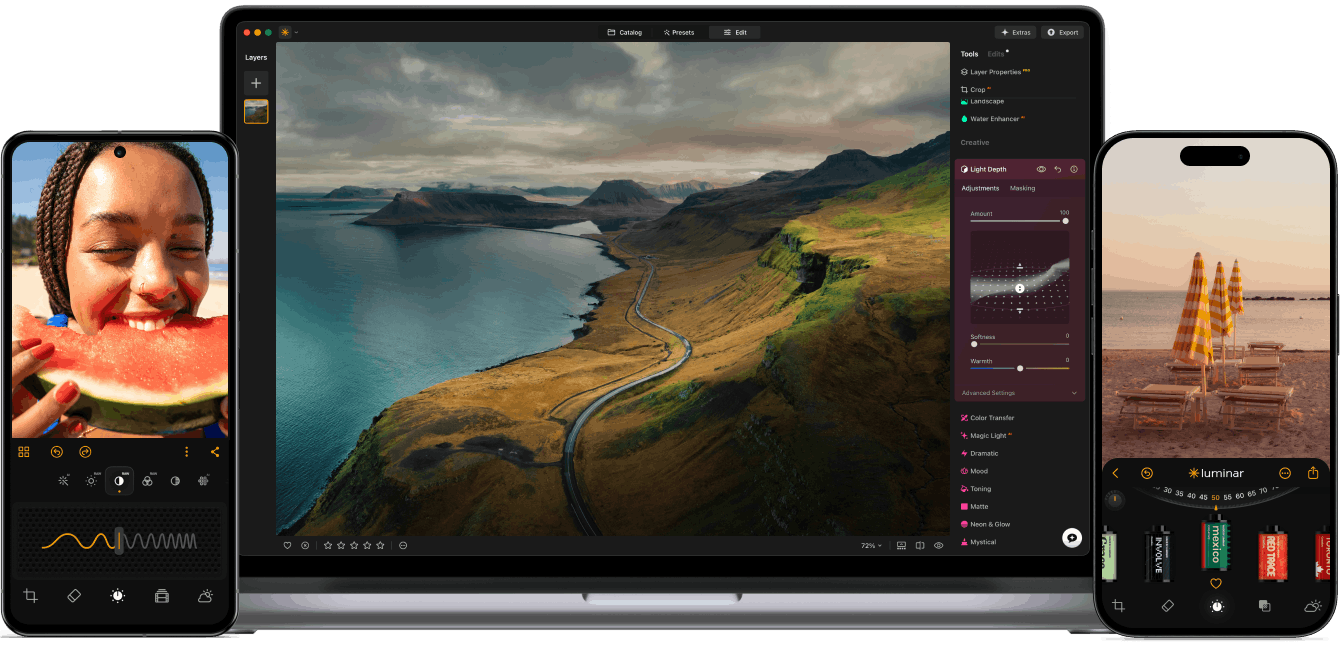
Luminar on Desktop , tablet and mobile
Lifetime access to the app
Choose the plan you want, enjoy Luminar forever. Plus, get generative features and Library of Assets for 1 year.
AI-Powered
Advanced AI features automatically enhance your photos and save you time.

Easy to use
An intuitive interface and smart tools make editing simple for everyone.
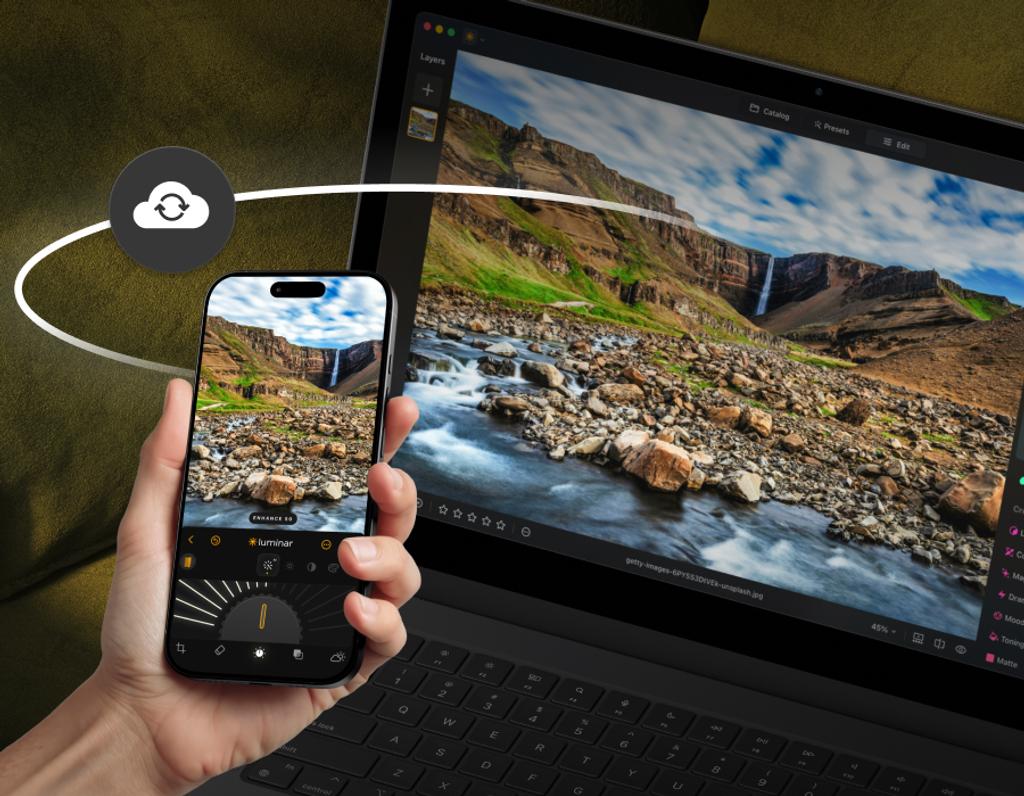
Edit on multiple devices
Start editing on your phone, continue on desktop – your work stays synced. Soon available on web, too.
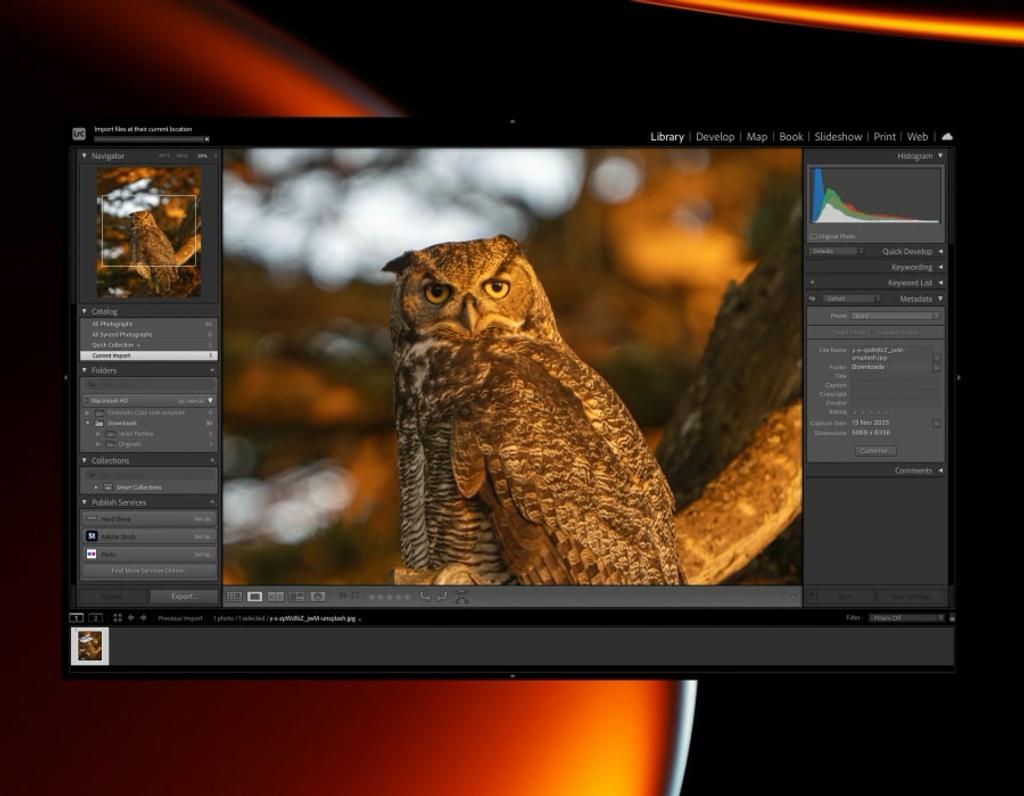
Use as a plugin
Integrate seamlessly with Lightroom classic and Photoshop for smooth, flexible editing.
With support for raw files, exporting in all major file formats, layers, masking, and much more, photography editing software Luminar meets all your editing needs.
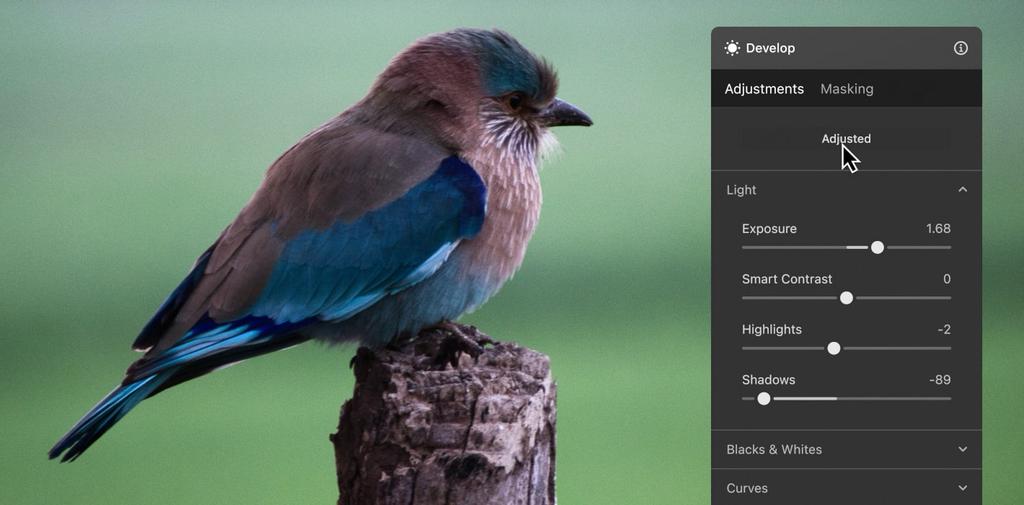
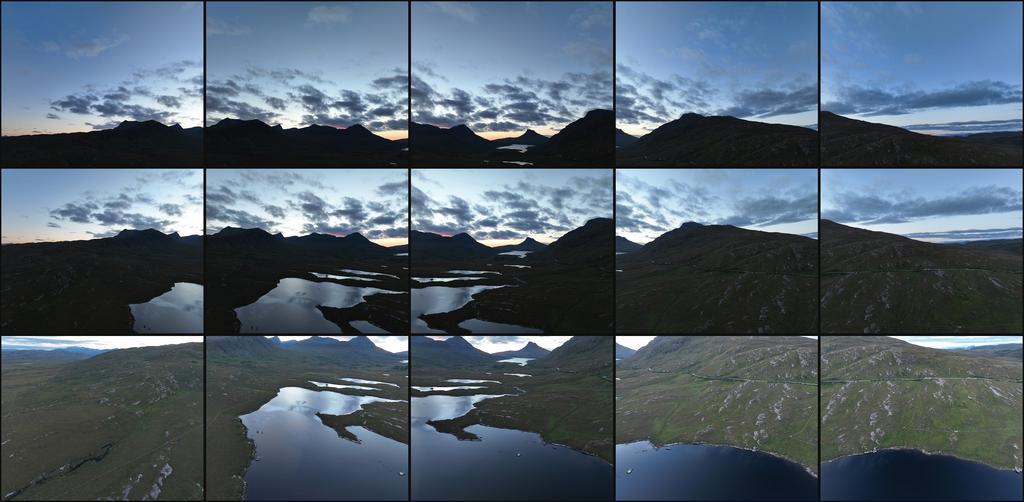
With Pro Tools, you can sharpen, denoise, upscale, and merge exposures or panoramas to reveal every detail exactly as you imagined it.
Enlarge your photos while preserving every detail and texture.


Restore perfect sharpness and bring out crisp, defined edges.


Effortlessly remove digital noise for clean, high-quality images.


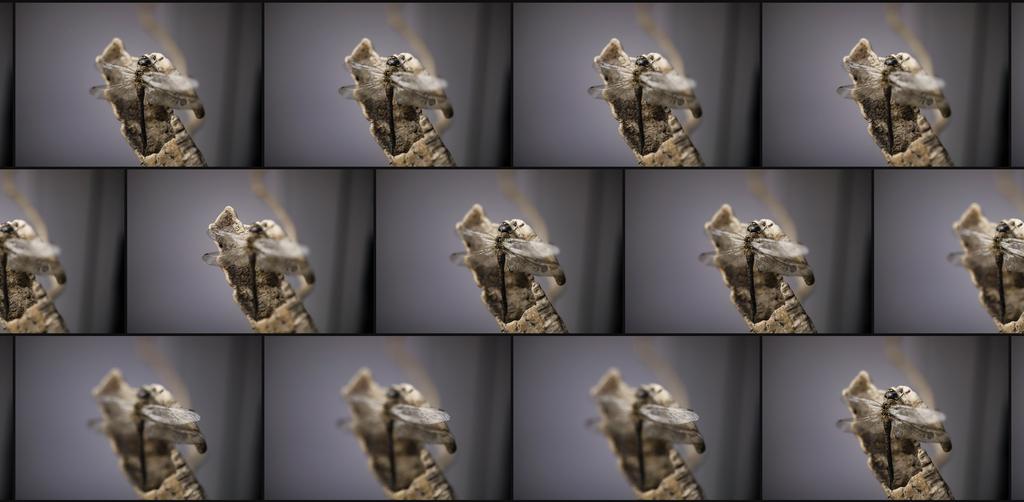
Combine multiple shots to achieve flawless focus throughout the frame.

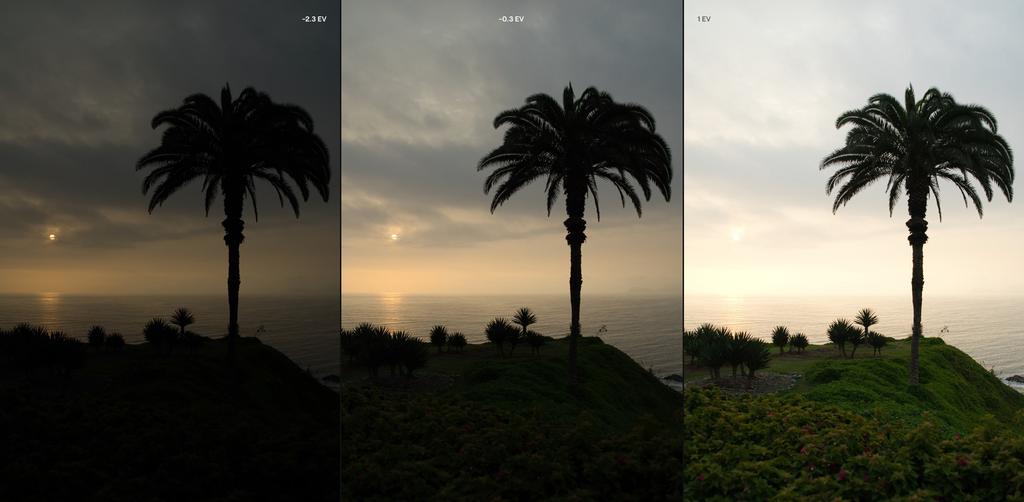
Blend different exposures to reveal balanced light and vivid tones.

Seamlessly merge photos into stunning wide-angle scenes.

Transform any photo from ordinary to breathtaking in just a few clicks. With intelligent AI tools guiding every step, you'll enhance, refine, and perfect your image effortlessly.


Transform any photo from ordinary to breathtaking in just a few clicks. With intelligent AI tools guiding every step, you'll enhance, refine, and perfect your image effortlessly.
Bring out the best in every face. Enhance skin, refine light, and add depth with intuitive tools that do the hard work for you.


Bring out the best in every face. Enhance skin, refine light, and add depth with intuitive tools that do the hard work for you.
Save time with batch editing and a rich selection of presets
that keep every photo looking stunning.
Pick the plan that works for you and start editing on any device.
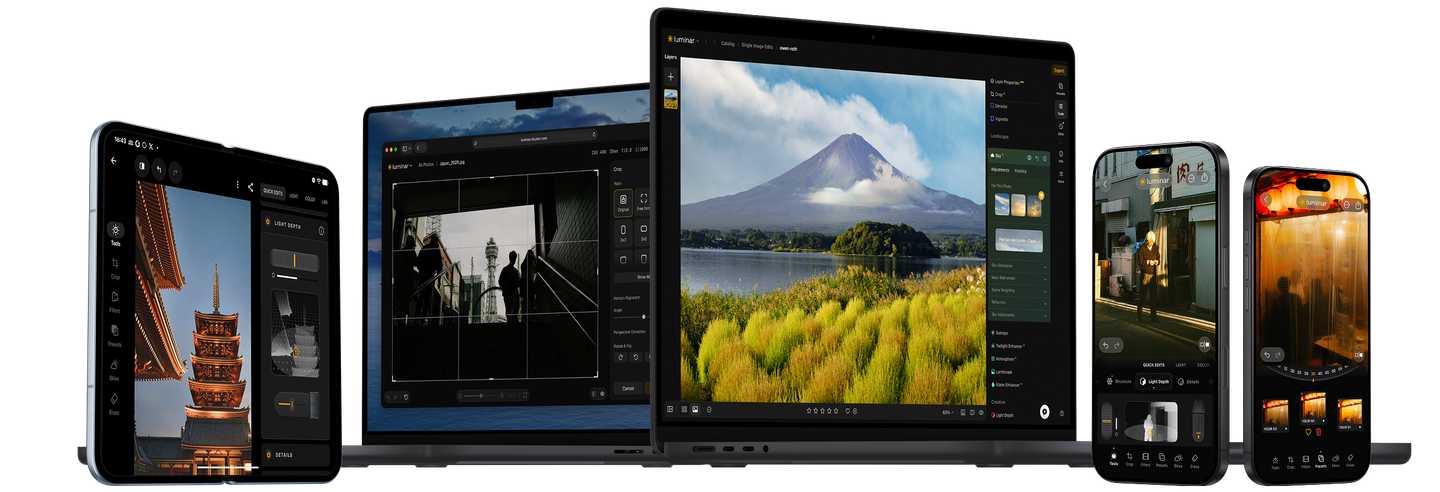
Luminar for Desktop is a powerful, next-generation photo editing software designed to inspire creativity and deliver professional results with ease.
It features an intuitive interface and a modern toolkit powered by cutting-edge AI technologies. With a flexible, performance-focused engine at its core, Luminar for Desktop offers faster editing, seamless layer-based workflows, and precise control over every detail. Whether you're enhancing portraits, transforming landscapes, or exploring your artistic vision, Luminar for Desktop makes the editing experience both efficient and enjoyable.
Mac Model
MacBook, MacBook Air, MacBook Pro, iMac, iMac Pro, Mac Pro, Mac mini, early 2010 or newer
Processor
CPU Intel® Core™ i5 8 Gen or better
OS version
macOS 12.0 or higher.
RAM
Memory 8 GB RAM or more (16+ GB RAM is recommended)
Disk space
Hard disk 10 GB free space; SSD for best performance
Display
1280x768 size or better
Hardware
Windows-based hardware PC with mouse or similar input device
Processor
CPU Intel® Core™ i5 8 Gen or better, AMD Ryzen™ 5 or better
OS version
10 version 1909 or higher (only 64-bit OS)
RAM
Memory 8 GB RAM or more (16+ GB RAM is recommended)
Disk space
Hard disk 10 GB free space; SSD for best performance
Display
1280x768 size or better
Graphics
Open GL 3.3 or later compatible graphics card